llms.txt generator

LLMS.txt Generator Implementation guide

Give LLMs the pages you want cited, not the pages they stumble onto.

llmstxt-hero-awilix

WHY LLMS.TXT?

llms.txt File: A Simple Way to Be AI-Readable

AI is becoming a new front door to the internet. McKinsey reports that ~50% of consumers already use AI-powered search, and behavior is shifting fast. Search Engine Land also reports 37% of consumers start searches with AI instead of Google, with AI increasingly used to compare products and make purchase decisions.

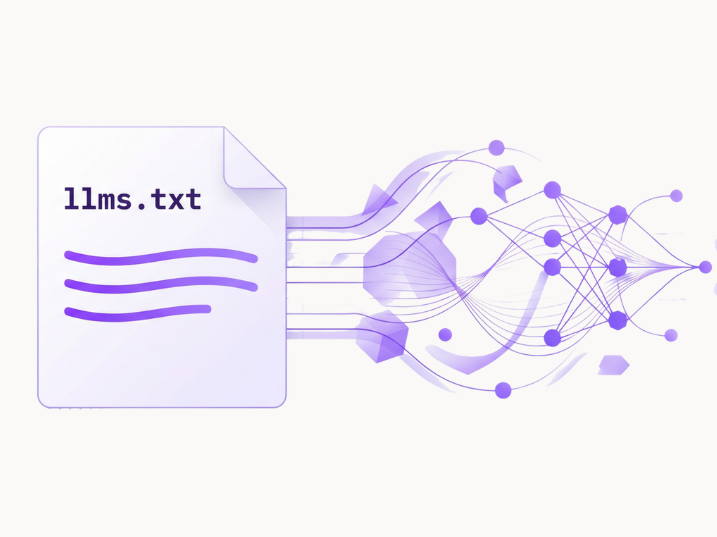
That’s where llms.txt comes in. It’s a simple Markdown file served at https://yourdomain.com/llms.txt that gives LLMs a curated “map” of the pages you want them to read and cite (pricing, services, docs, policies), in a strict format that machines can parse cleanly.

01

Give AI a Clean Map

LLMs don’t browse like humans. They need a clear list of what matters. llms.txt is that list.

02

Reduce Hallucinations

When AI guesses, brands lose. A curated source list cuts wrong answers and outdated info.

03

Prioritize High-Intent Pages

Send LLMs to pricing, services, docs, policies. Not random blog posts or navigation traps.

04

Ship in Minutes, Not Weeks

One small file. No redesign. Works across most CMS setups with a simple upload.

llms.txt Generator

Project Name: Enter your website or project name (e.g., "FastHTML Documentation", "Acme Corp API")

Short Description: A one-sentence summary of what your project does. This helps LLMs understand your content at a glance.

Section Title: Organize your links into categories like "Documentation", "API Reference", "Tutorials", or "Blog Posts".

Link Name: The title of the page you're linking to (e.g., "Quick Start Guide", "Authentication API").

URL: The full URL to that page (e.g., "https://docs.example.com/quickstart").

Optional Description: A brief note about what's on that page. This helps LLMs decide if the link is relevant to a user's query.

💡 Tip: Add multiple sections to organize your content by topic. Include your most important pages first!
Project Details

Preview

How to implement llms.txt

Publish Your llms.txt in 5 Steps (Any CMS)

A proven methodology to transform your search visibility

01

Download Your llms.txt

Export the file exactly as generated. Keep the filename: llms.txt.

02

Upload to Your Website Root

Your goal is simple: the file must be accessible at https://yourdomain.com/llms.txt

03

Set the Right Response

Make sure it returns 200 OK and serves as plain text (text/plain; charset=utf-8).

04

Test It Like a Developer

Run a quick check to confirm status code, redirects, and content: curl -I https://yourdomain.com/llms.txt Open it in a browser, it should display raw text, not a styled page

05

Maintain It (So AI Stays Accurate)

Update when your positioning, pricing, docs, or key pages change. A stale llms.txt creates stale answers.

Stop Being a Result. Become the Answer.

Users no longer scroll. They ask.
LLMs decide which brands get cited.
And we make sure they choose you.

LLM Visibility Strategy
Authority Signals
Demand Growth

Is llms.txt Really Crawled by LLMs?


Yes, but with important context. As of 2026, Anthropic’s Claude officially supports llms.txt, and ChatGPT accounts for the majority of llms.txt traffic according to data from Mintlify and Profound, though OpenAI hasn’t made an official announcement.

Think of llms.txt as an investment in the future of AI-powered search. Even if adoption isn’t universal today, early implementation positions your content for better discoverability as AI systems continue to evolve.

Ready to Disrupt?

Move from obscurity to clarity with a breakthrough strategy.

Services
Industries